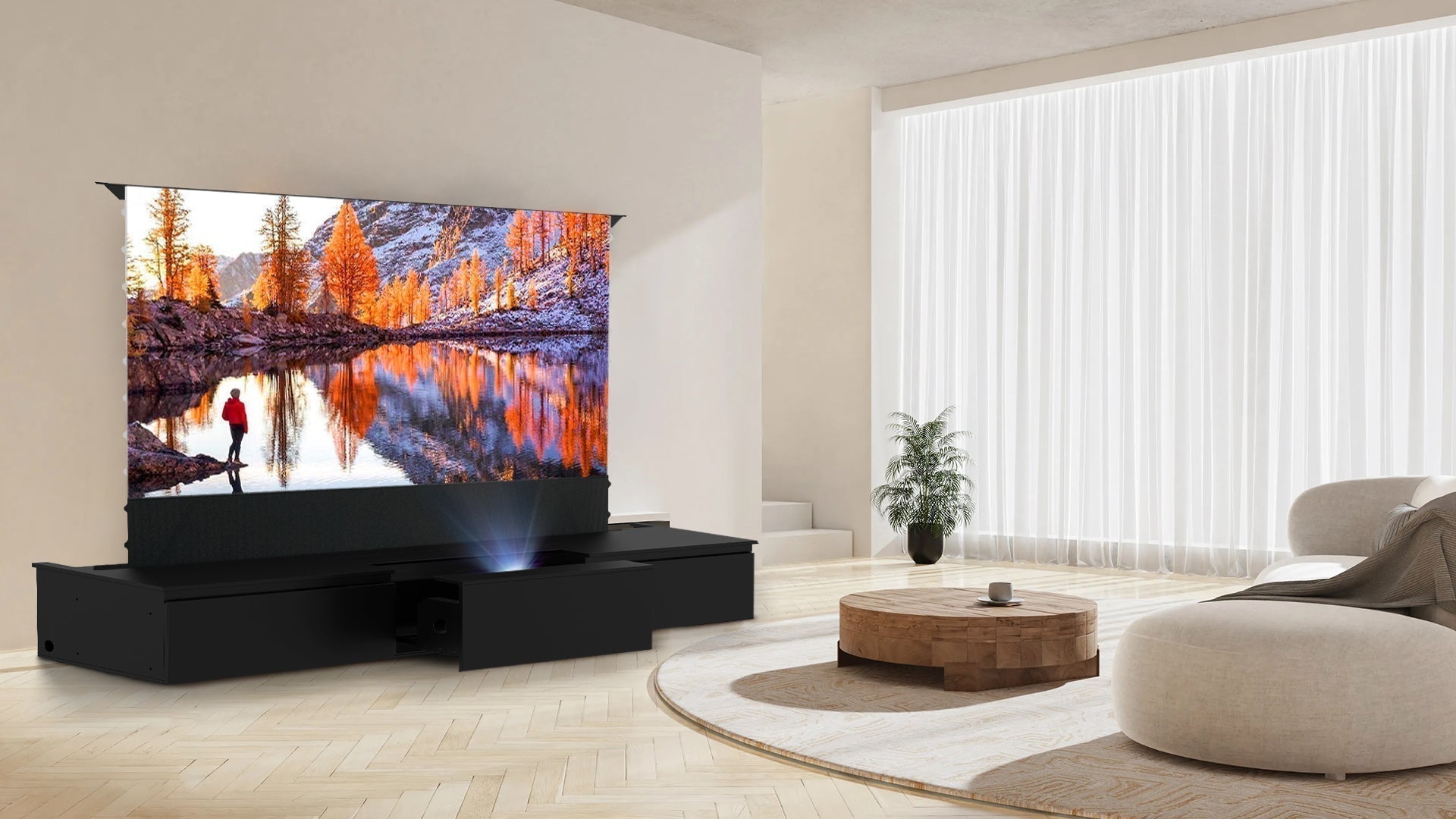
UST Projector Compatibility Guide: Hisense, Samsung LSP9, AWOL and Formovie
Choosing a laser TV cabinet for a UST projector starts with the exact projector model, not only the brand name. Hisense, Samsung, AWOL Vision and Formovie each sell UST projectors with different chassis dimensions, lens positions, ventilation paths and connection layouts. Use this guide as a pre-order checklist, then confirm the measurements for your exact model.
What determines compatibility?
A cabinet must provide enough physical space for the projector and enough clearance for air intake, exhaust and cables. The projector must also sit at the correct distance and height from the screen. A few millimetres of position change can affect image alignment, so the cabinet platform, screen housing and projector should be planned as one system.
| Check | Why it matters |
|---|---|
| Chassis width and depth | Determines whether the projector sits fully on the platform without overhang. |
| Height and lens position | Changes the projected image geometry and the required platform position. |
| Airflow | Blocked intake or exhaust can cause heat and performance problems. |
| Ports and cable bend | Rear and side connections need enough room for HDMI, power and audio cables. |
| Screen geometry | The screen size, housing and projector throw must match the cabinet configuration. |
Hisense L9 series
For a Hisense L9 or related UST model, record the projector’s full chassis dimensions and the location of the lens and exhaust before choosing a 100-inch or 120-inch cabinet configuration. Do not rely on a model family name alone: regional versions and bundled accessories can change the final installation footprint. Confirm the screen housing width and the distance from the cabinet to the wall as well.
Samsung LSP7T and LSP9T
Samsung’s LSP7T and LSP9T models are common laser TV choices, but they are not interchangeable for fit purposes. Check the exact model’s width, depth, height, lens position and cable ports. If you are considering a cabinet with a built-in drawer or platform, compare those measurements with the usable internal space rather than the external cabinet dimensions.
AWOL Vision LTV models
AWOL Vision LTV-2500, LTV-3000 and LTV-3500 configurations can be paired with a large-screen cabinet and ALR screen, but the projector model still needs an individual fit check. Shore bundle variants list AWOL Vision projector options; if you already own an AWOL projector, compare its dimensions and throw requirements with the selected 100-inch or 120-inch setup.
Formovie Theater
Formovie Theater is another popular UST choice for a living-room cinema. Before ordering, confirm the projector body size, airflow direction and the location of the AC and HDMI ports. If you select a Shore bundle that lists Formovie Theater, verify the exact variant and the screen size shown in the option name.
Cabinet and screen fit
Compatibility is not only projector versus cabinet. The screen housing must fit the cabinet width and the room, while the projector must be positioned for the screen’s aspect ratio and image size. Shore configurations include 100-inch and 120-inch options, and the floor-rising ALR screen is designed for ultra-short-throw projection. Measure the housing, wall width, seating distance and side clearance before choosing a size.
Installation checklist
- Write down the exact projector model and download its installation manual.
- Measure the complete projector chassis, including any fixed feet or protrusions.
- Mark the intake, exhaust and cable ports on a simple top-view drawing.
- Compare those measurements with the cabinet’s usable platform or drawer space.
- Confirm the screen housing, aspect ratio and throw distance.
- Ask Shore customer service to confirm unusual or custom configurations before ordering.
FAQ
Can you confirm that my exact projector will fit?
Send the exact model number and dimensions to Shore customer service. Brand-level compatibility is not a substitute for an individual measurement check.
Should I choose a 100-inch or 120-inch screen?
Choose the size that fits your wall, viewing distance and screen housing. A larger image needs more wall width and may change the seating plan.
Does a bundle remove the need to check measurements?
No. A bundle reduces the number of separate choices, but you should still verify the exact projector, screen size and variant inclusions before purchase.
After checking your projector, compare the Shore laser TV cabinets and the UST projector and screen collection.